 Intermediate
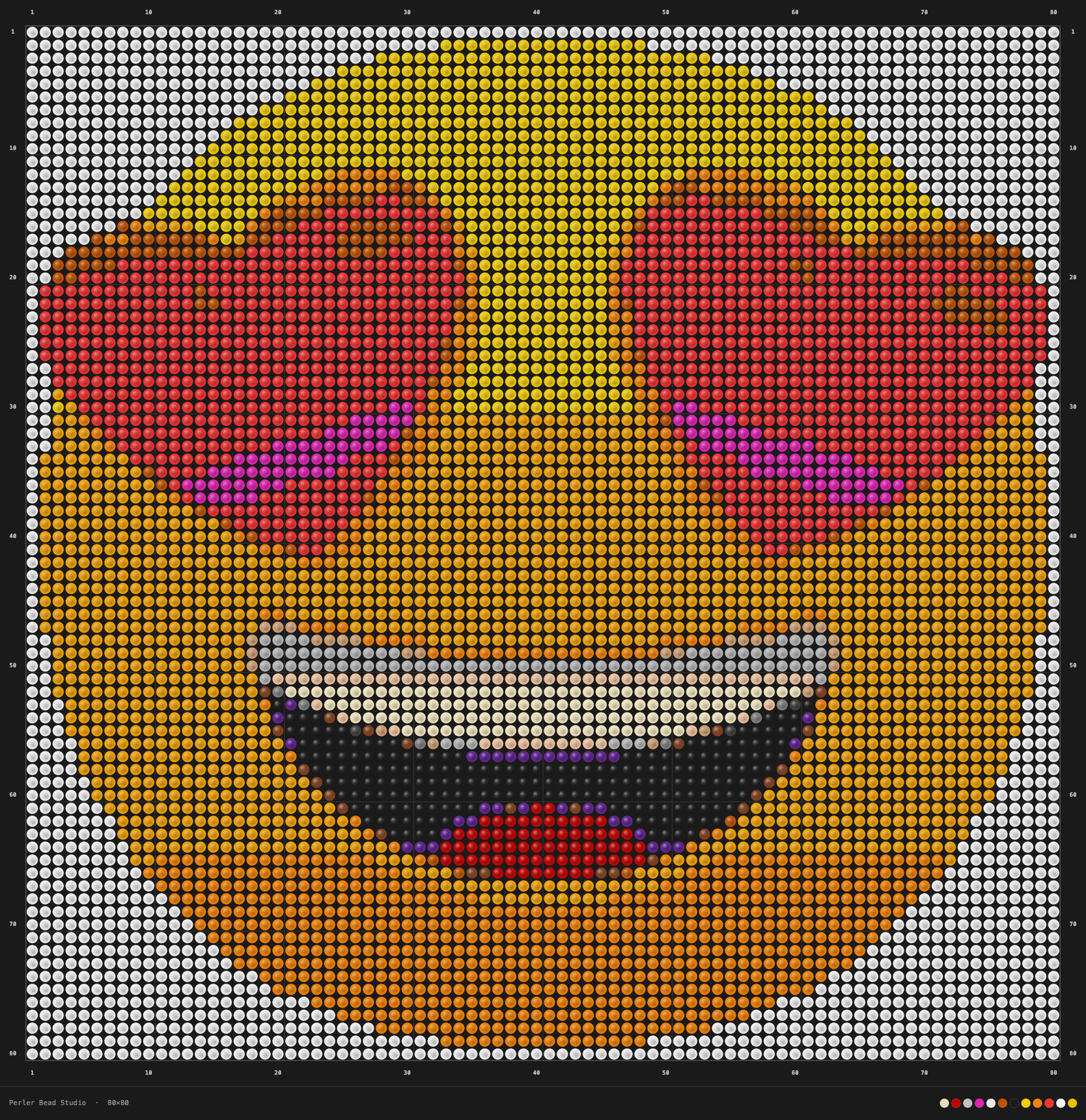
 My first big project — the 😍 heart-eyes emoji on an 80×80 grid. Took way longer than expected but totally worth it.
Grid80×80 Colors17 Beads6,400
emojiheart-eyeslove
View showcase Convert any image into a Perler Bead pattern · Click beads to repaint
The Perler Bead Studio converts images to a bead grid directly in your browser. No upload needed — your photo stays on your device while you experiment with colors and grid sizes.
Generate grid sizes based on the image ratio, then fine-tune with custom dimensions.
Compare original and pixelated previews side-by-side as you place beads.
Select a recommended pixel color and replace the entire group instantly.
Download your finished pattern with row and column numbers on every side — so you can follow it bead by bead on the pegboard without losing your place.
Every downloaded image includes row and column numbers along all four edges, with a guide line every 5 cells (every 10 for large grids) — just like cross-stitch and diamond painting patterns. Whether you're building a 30×30 sprite or a 100×100 mural, you can track your exact position at a glance.
No. The conversion runs in your browser, so the image stays on your device.
Some hosts block cross-origin access. Save the image locally and load it with Upload.
Choose the bead grid that matches your pegboard and the level of detail you want.
Yes. Pick a source color from the preview and swap the entire group at once.
Row and column numbers on all four sides, guide lines every 5 cells, and a color legend footer showing your most-used bead colors — ready to print and follow while you build.
Have a suggestion or found a bug?
Share Feedback on GitHubCommon feedback from creators who use the tool for quick planning.
“The pixel preview makes it easy to spot which colors to merge before I start ironing.”
Grid planning”The coordinate grid on the download is a game-changer — I always know exactly where I am on the board without counting from the edge.”
Pattern download“Bead counts help me buy the right colors without wasting extra packs.”
Material planningReal perler bead projects from makers who converted photos through the Studio. Each showcase includes the original reference, the pixel pattern output, and photos of the finished piece.
Intermediate My first big project — the 😍 heart-eyes emoji on an 80×80 grid. Took way longer than expected but totally worth it.
 Intermediate
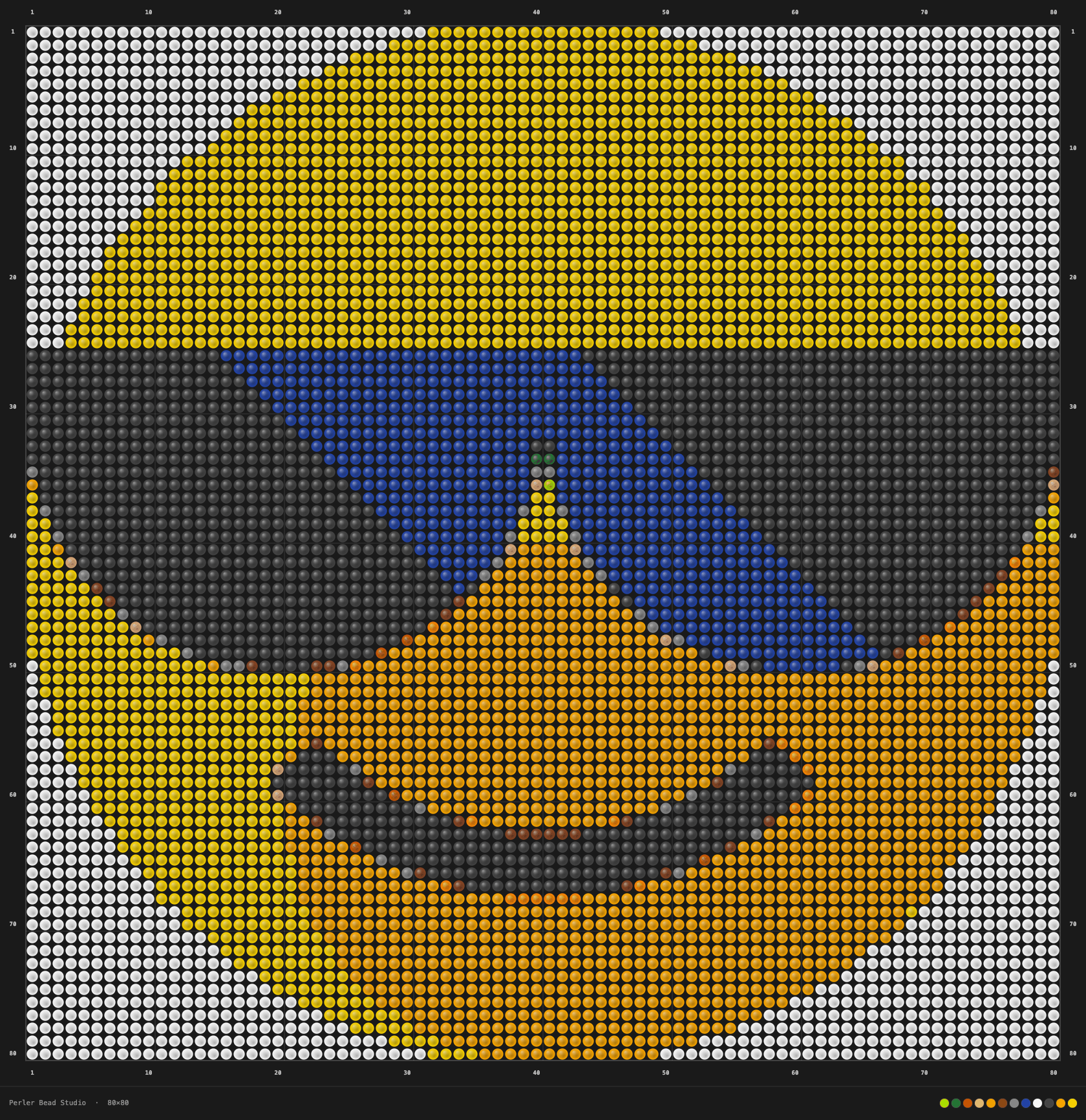
 Built the 😎 cool emoji as a gift for a friend. 80×80 circle, 12 colors — kept the palette tight on purpose so it would look clean.
 Advanced
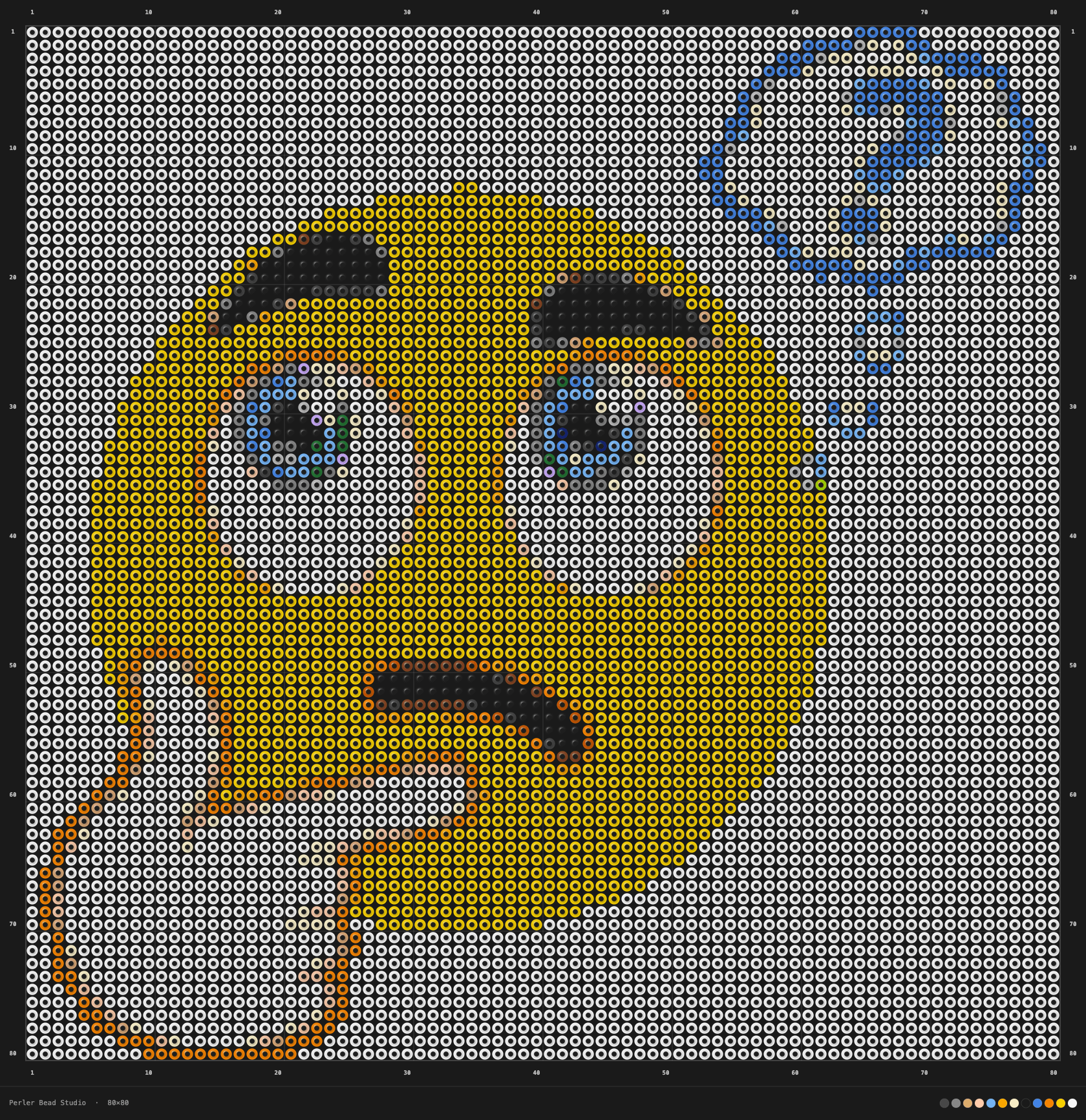
 The 🤔 thinking emoji in a ring layout — my most complicated piece so far. The hollow center was an idea I hadn't seen done before and I wanted to try it.
 Advanced
 A 120×120 square motorcycle piece — 14400 beads, 23 colors, built from a Studio preset. Harder than expected, but the level of detail surprised me.
Browse original articles on grid sizing, color cleanup, exports, finishing, and beginner mistakes. Reader questions and product feedback help shape what gets updated and what gets published next.
A practical workflow for converting a photo into a clean Perler Bead pattern without ending up with too many colors or unreadable detail.
How to choose a grid size that matches your subject, your patience, and the amount of detail you actually need in a Perler Bead project.
A simple process for cleaning noisy color palettes so your Perler Bead pattern stays readable, affordable, and easier to build.
The pages below help readers, reviewers, and ad platforms understand who runs the site, how guides are maintained, and how to get in touch.
Real bead art from makers — see original reference, Studio output, and finished piece.
Original tutorials and evergreen resource content for the studio.
What we publish and how the Perler Bead Studio fits into the site.
See who writes and reviews the Perler content published on the site.
See how guides are reviewed, updated, and improved with reader input.
Reach us for corrections, support questions, or business inquiries.
How pixel games, perler patterns, and H5 content handle data and analytics.
Rules for using the studio, games, and embedded H5 providers.